Midpoint Finder
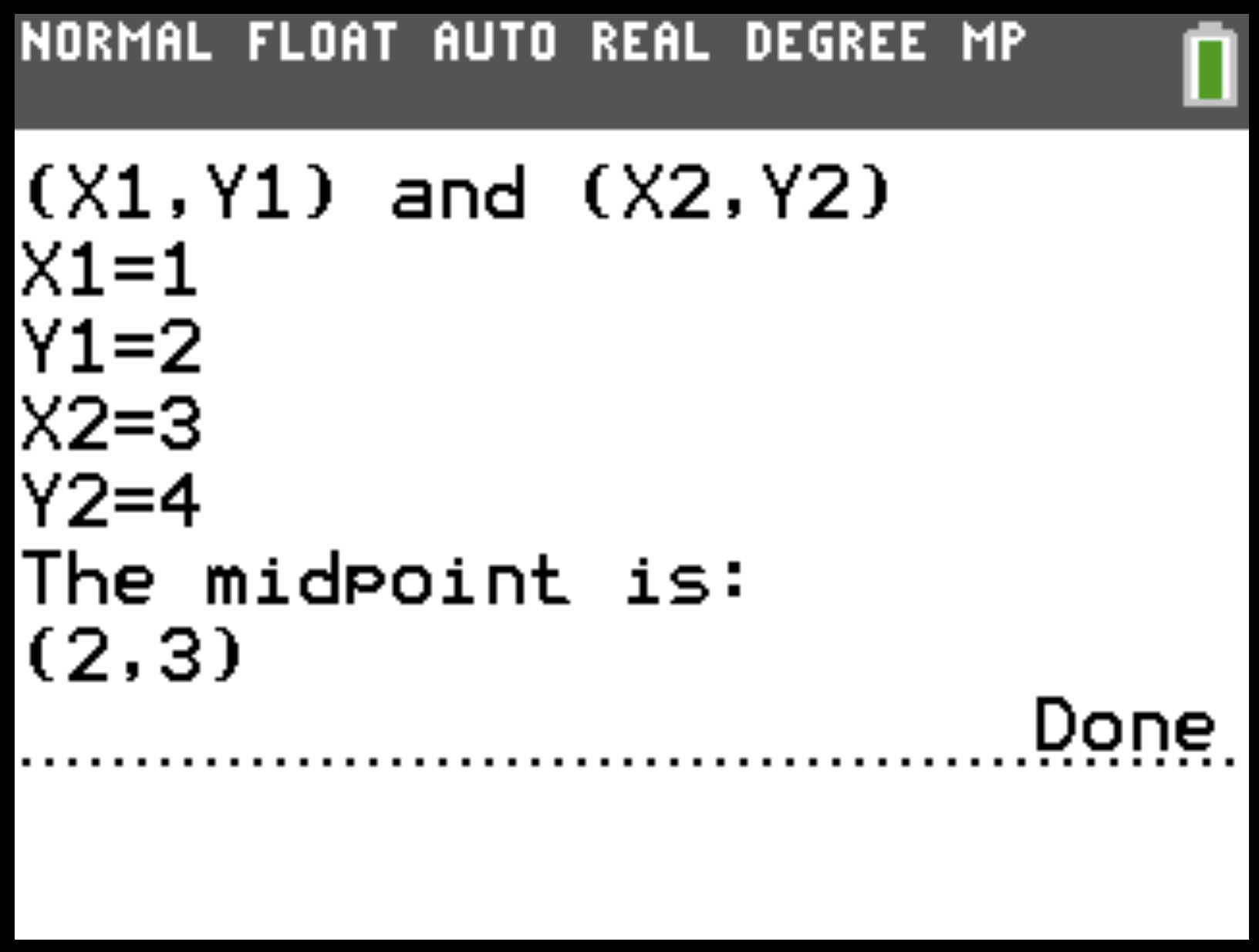
The Midpoint Finder program is a simple yet powerful tool for the TI-84 Plus CE calculator that lets you find the exact midpoint between two points in a 2D coordinate plane. Perfect for students learning geometry or coordinate algebra, it delivers instant results in an easy-to-read format.
What Does It Do?
The program uses the midpoint formula:
Midpoint = ( (X₁ + X₂) / 2 , (Y₁ + Y₂) / 2 )
You just enter the coordinates of your two points, and the program calculates the midpoint instantly—no manual math required.
Example Usage
Let’s say you want to find the midpoint between (1, 2) and (3, 4):
- Launch the program from the
PRGMmenu - Enter
1for X₁ and2for Y₁ - Enter
3for X₂ and4for Y₂ - The program instantly returns (2, 3) as the midpoint
Key Features
- Fast calculation using the midpoint equation
- Simple, guided input for coordinates
- Instant results in a familiar coordinate format
- Compatible with TI-84 Plus CE
Why It’s Useful
- Saves time during homework, quizzes, and tests
- Eliminates calculation mistakes
- Reinforces understanding of the midpoint concept in coordinate geometry
Final Thoughts
If you regularly work with points and coordinates, the Midpoint Finder is a must-have for your TI-84 Plus CE. It’s quick, accurate, and makes geometry problems a breeze.
Download it today and start finding midpoints with confidence!